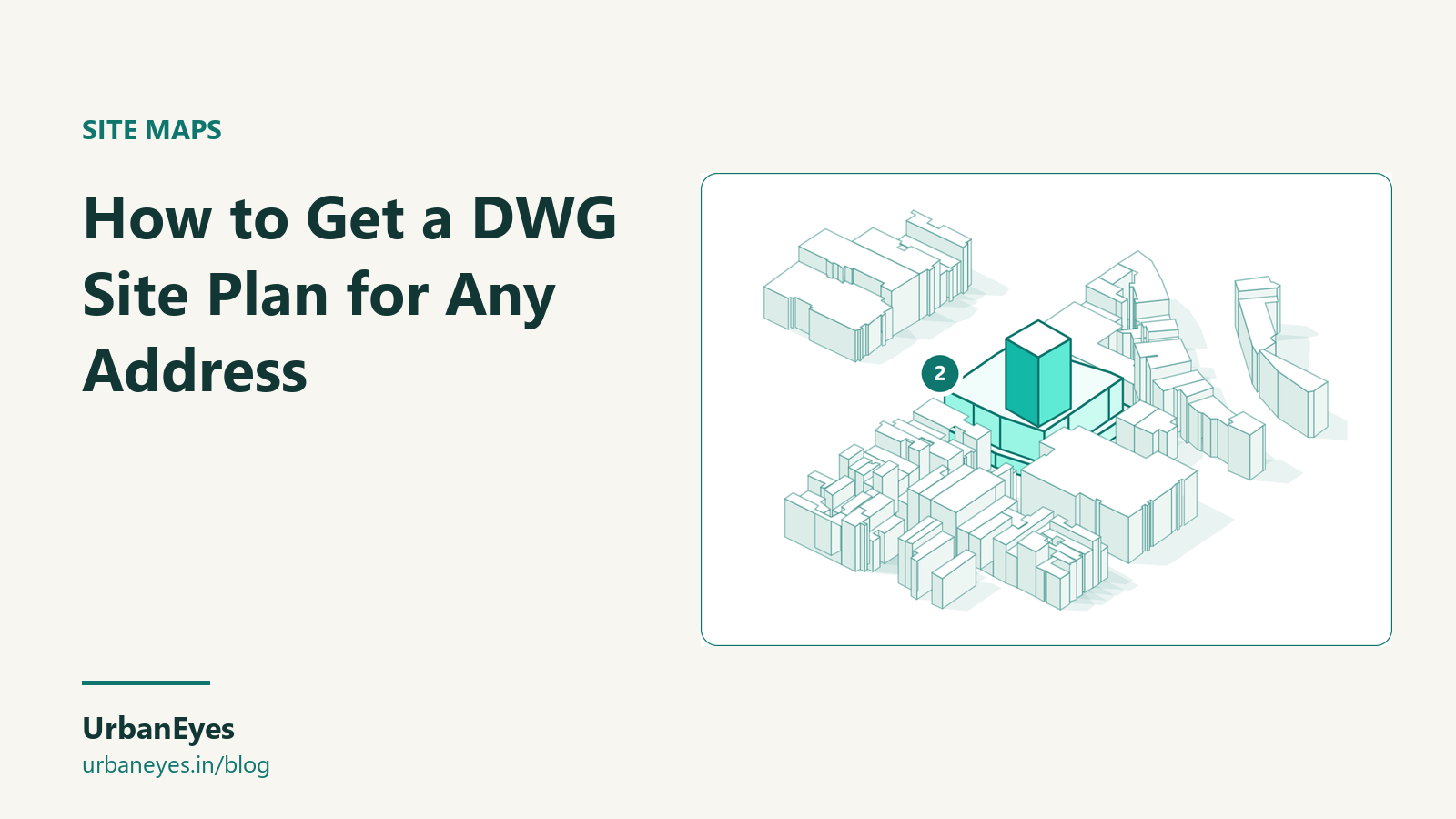
How to Get a DWG Site Plan for Any Address
To get a DWG site plan for an address you can buy official survey or cadastral data, export OpenStreetMap context from a web tool, buy a ready-made city plan, build it yourself in QGIS, or commission a topographic survey. Web tools are fastest; a survey is the only option accurate enough to build from.
This guide compares the five routes, explains which accuracy you need at which stage, and shows how to set the drawing up so it lines up with everything else.
Last checked: October 2026. Prices were read from vendors' own pages.
Which DWG site plan do you actually need?
| Stage | What you need | Accuracy that is enough |
|---|---|---|
| Feasibility and concept | Context: buildings, roads, water, green around the site | A metre or two |
| Planning application | Site boundary, neighbours, levels, trees | Survey-grade on the site, mapped context around |
| Construction | Measured boundary, levels, services, trees | Survey-grade, from a licensed surveyor |
Most of the time you start with context and replace the site itself with a survey later. Do not build from mapped data.
What are the ways to get a DWG site plan?
1. A web export from OpenStreetMap and other open data
Draw or search the site and download the drawing. This is the fastest route for concept work.
| Tool | DWG? | Free option | Paid |
|---|---|---|---|
| UrbanEyes Maps | Yes, plus DXF, 3DM, SketchUp, PDF, SVG and 8 more | Unlimited free exports within a 350 m radius | From €2 per site on monthly plans; €5 per site pay as you go |
| TopoExport | Yes, among its 2D formats | Basic: 2 exports a day up to 1 km² | Pro from $39 a month |
| Cadmapper | No, DXF only (DWG programs open DXF) | Up to 1 km² free with an account | Larger areas for a fee |
| Cityweft | No, DXF and 3D formats | Live preview only | From €99 a month, or from €30 per km² |
Data comes mostly from OpenStreetMap, with national datasets in some countries. Footprints are usually within a metre or two in cities, but check heights, which are often estimated.
2. A ready-made city plan
Schwarzplan.eu sells cleaned figure-ground and site plans of a few hundred cities in 48 countries, most for €10, in PDF, DXF and DWG depending on the plan. Good for a city you work in often; no use if your site is outside its catalogue.
3. Official cadastral and mapping data
Many countries publish base maps you can convert to DWG:
- Netherlands: BGT large-scale base map and BAG buildings, free through PDOK.
- United Kingdom: Ordnance Survey MasterMap, sold through resellers; OS Open Map is free but less detailed.
- United States: county GIS portals publish parcels and often building footprints, usually free.
- India: municipal and development authority maps vary by city; many are only on request.
These are often more accurate than OpenStreetMap, but come as GIS files you convert yourself.
4. Build it in QGIS
Free and flexible: install QGIS and the QuickOSM plugin, download buildings, roads and water for your area, reproject to your local grid, and export as DXF from the Project menu. Open the DXF in AutoCAD and save as DWG. It takes an hour the first time and gives you full control of layers.
5. A topographic survey
A licensed surveyor measures the boundary, levels, trees, services and neighbouring walls, and delivers DWG. Prices depend on the site and country. It is the only drawing you should build from.
How do you set up a DWG site plan in AutoCAD?
- Check the units. Most exports are in metres. Type
UNITSand confirm before scaling anything. - Keep the coordinates. A projected grid (UTM, or a national grid such as RD New or British National Grid) lets survey, context and your model line up. Do not move the drawing to 0,0; set a UCS instead.
- Check the layers. Good exports separate buildings, roads, water, green and contours. Lock the context layers.
- Check north. Exported plans are drawn north-up; rotate the view, not the geometry.
- Credit the data. OpenStreetMap data needs "© OpenStreetMap contributors" on the drawing.
What are the common problems with free DWG site plans?
- Missing or estimated heights. Footprints are reliable in most cities; heights often are not. Use them for massing, not daylight calculations.
- Old buildings. Open data can lag a year or more behind demolition and new building.
- Gaps outside cities. Rural OpenStreetMap coverage is thinner. Check against satellite imagery.
- Polylines that do not close. Some exports split buildings at tile edges. Run
OVERKILLandJOIN, or use a tool that exports closed polylines.
Which option should you choose?
- Concept work, any address, DWG today: a web export, such as the DWG site plan maker in UrbanEyes Maps, which gives figure-ground, buildings with heights, roads, land use, green, water and terrain in DWG and 13 other formats; see the site map formats guide.
- A city you know well: a ready-made plan.
- Full control for free: QGIS.
- Planning and construction: a survey, with context from one of the above.
For a fair comparison of every site map tool, read the best site map tools for architects.
Frequently Asked Questions
How do I get a site plan in DWG format for free?
Export a free area from a web tool (UrbanEyes Maps exports a 350 m radius free, and TopoExport's free tier allows 2 exports a day), or build one in QGIS from OpenStreetMap and save the DXF as DWG in AutoCAD.
Is OpenStreetMap accurate enough for a site plan?
For context at concept stage, usually yes in cities: footprints are typically within a metre or two. For the site itself, a planning application or construction, use a measured survey.
Can I convert DXF to DWG?
Yes. Open the DXF in AutoCAD, BricsCAD or another DWG program and save as DWG. Most CAD programs open DXF directly.
Does Cadmapper export DWG?
No. Cadmapper exports DXF, SketchUp, Rhino 3DM and Illustrator files. Its help page notes that programs that open DWG also open DXF.
What coordinate system should a DWG site plan use?
A projected system in metres: your national grid where one exists, otherwise the local UTM zone. Keep the real coordinates so survey and context drawings line up.

Vinayak Tiwari
Founder, UrbanEyes
Computational designer trained at IAAC Barcelona. Vinayak built every UrbanEyes product, from Site Analysis to Maps and Boards, after years of doing site studies by hand.
We analyse, you design.
Run data-backed site analysis with UrbanEyes: maps, metrics, and reports in about 15 minutes.