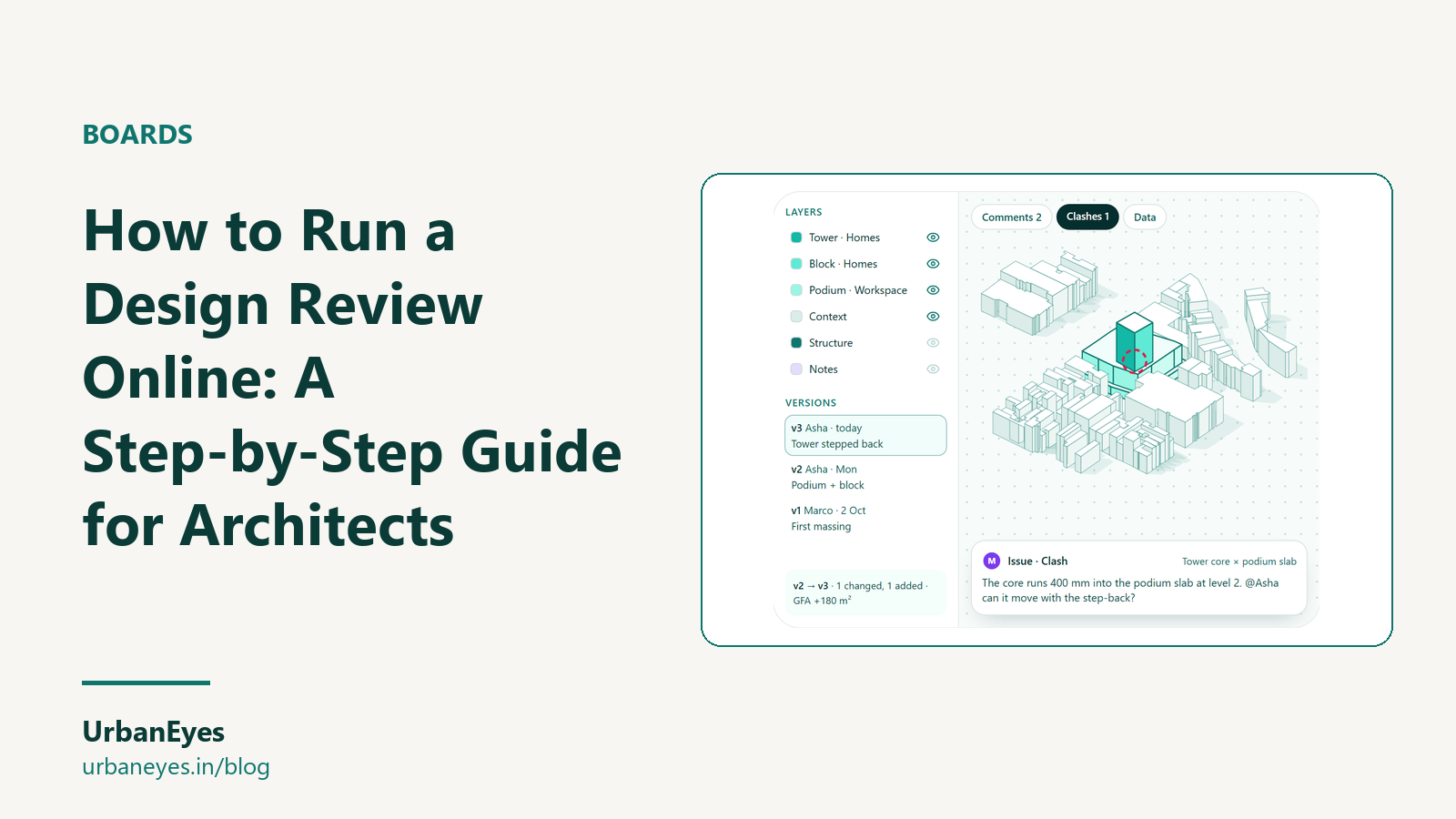
How to Run a Design Review Online: A Step-by-Step Guide for Architects
A good online design review puts the latest scheme in the middle, collects comments by discipline round it, checks the model and its numbers live, and ends with decisions that have owners and dates. Prepare one board with the current model version, the site's limits and the questions you need answered; run the review in timed rounds; and lock the version that was reviewed so everyone knows what was agreed.
Design reviews go wrong online for the same reasons they go wrong in a room: people review different versions, comments get lost in chat, and nobody writes down what was decided. This guide fixes each of those.
What do you need before an online design review?
Prepare four things, and put them on one board:
- The scheme, as a model. The current version from Rhino or SketchUp, not screenshots. Reviewers should be able to orbit it, hide layers and see which version they are looking at.
- The site and its limits. Context maps, heights, sun and the planning limits that matter: FAR, coverage, height, setbacks.
- The numbers. An area statement by use, with FAR against the limit. If the numbers change during the review, everyone should see them change.
- The questions. Three to five decisions you need from this review, written at the top of the board. A review without questions becomes a tour.
How do you structure the review?
Run it in rounds, with a timer, so the meeting does not belong to whoever talks most.
| Round | Time | What happens |
|---|---|---|
| 1. Present | 10 min | The designer walks through the scheme and the questions. No comments yet. |
| 2. Comment quietly | 8 min | Everyone pins comments on the model or adds stickies by discipline: planning, structure, landscape, client. |
| 3. Discuss | 20 min | Go through the comments, starting with the questions on the board. |
| 4. Vote | 5 min | Dot votes on what to change first. |
| 5. Decide | 10 min | Each decision gets an owner and a date. Lock the reviewed version. |
How do you review the model, not a picture of it?
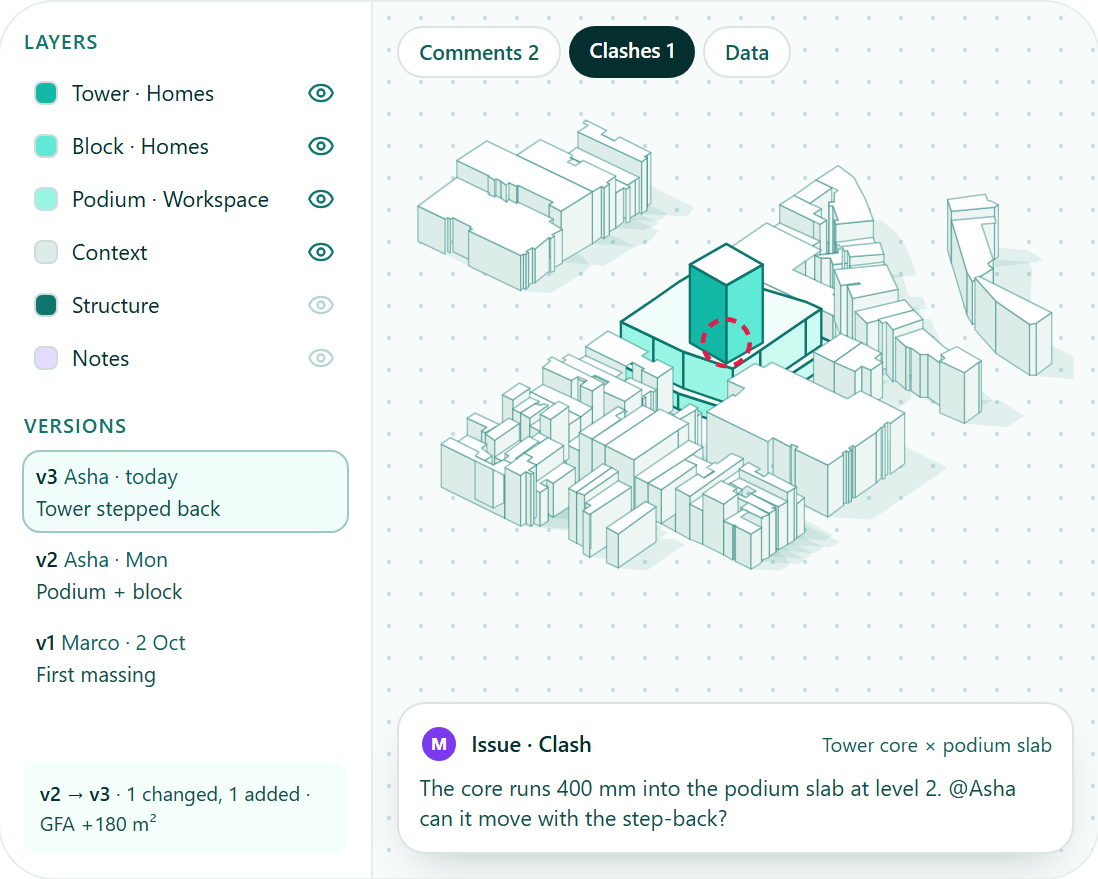
Comments on a screenshot go stale with the next version. Comments pinned on the model stay with the part they are about:
- Pin comments on the element. "The core runs 400 mm into the podium slab at level 2" is clear when it is pinned on the core.
- Compare versions side by side. See what changed between version 2 and version 3, and how the floor area moved.
- Run a clash check. Find where elements collide before the reviewers do.
- Check the numbers against the site. Did stepping the tower back keep the scheme inside the FAR and height limits?
How do you turn the review into decisions?
The output of a review is a short list, not a recording. For each decision write what changes, who does it and by when. Then lock the reviewed version, so the next review starts from a known point and the client can see what they signed off.
How do you run a design review in UrbanEyes Boards?
- Open the design review template. It lays out the scheme in the middle, areas for structure, planning, landscape and the client around it, and a decisions column. Use the template, free.
- Send the model. With UrbanEyes Link (free for Rhino 7 and 8 and SketchUp 2017 and later), each send lands on the board as a new version, placed on the site, with its layers, an area statement and bylaw checks.
- Add the site. Search the address and the site's maps arrive as live cards.
- Run the rounds. Use the shared timer and dot voting built into the workshop.
- Share with the client. On Team and Studio plans, a client link lets the client view or comment without an account. Present the frames as slides, or export the deck to PDF or PowerPoint.
Reviews at pin-up stage? Use the pin-up and critique template. Choosing between schemes? Use the design options matrix. Comparing tools for this work? See our roundup of online whiteboards for architects.
Frequently Asked Questions
How long should a design review take?
About an hour for one scheme: 10 minutes to present, 8 to comment quietly, 20 to discuss, 5 to vote and 10 to agree decisions. Larger schemes may need a review per topic.
Who should attend a design review?
The designer, a reviewer for each discipline that the questions touch (planning, structure, landscape, services), and the client or their representative when decisions affect the brief or the budget.
How do you record decisions from a design review?
Write each decision with what changes, who does it and by when, on the same board as the scheme, and lock the version that was reviewed.
Can clients comment on a design review board without an account?
In UrbanEyes Boards, yes, through a client link on the Team and Studio plans. They can view or comment without signing up.
Is there a free design review template?
Yes. The UrbanEyes Boards design review template is included in the free plan, which keeps 3 boards.

Vinayak Tiwari
Founder, UrbanEyes
Computational designer trained at IAAC Barcelona. Vinayak built every UrbanEyes product, from Site Analysis to Maps and Boards, after years of doing site studies by hand.
We analyse, you design.
Run data-backed site analysis with UrbanEyes: maps, metrics, and reports in about 15 minutes.