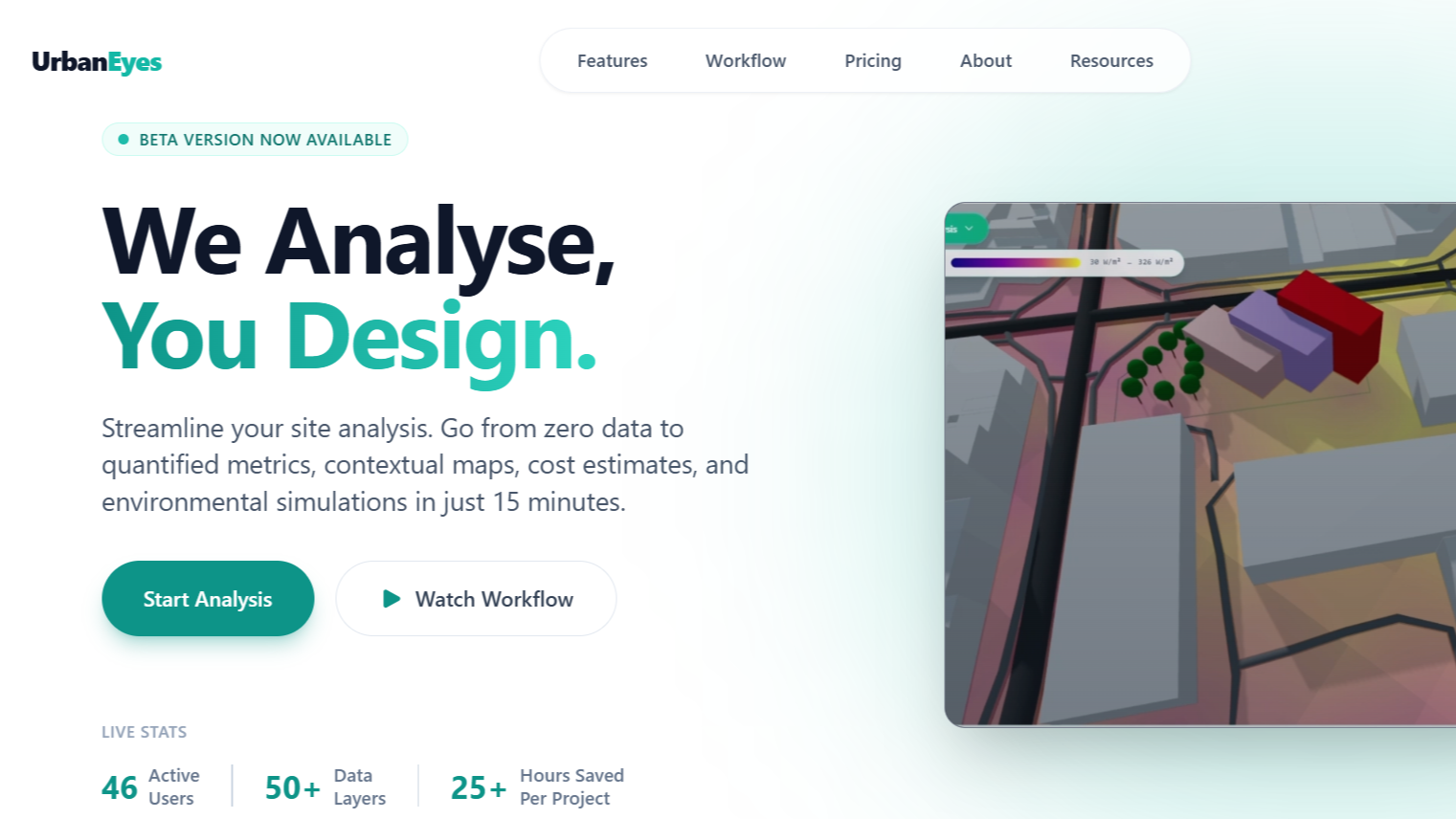
How to Analyze Any Site in 15 Minutes with UrbanEyes
Introduction
Site analysis is the foundation of any successful urban design project. But traditional methods can take weeks of manual research, data collection, and mapping. With UrbanEyes, you can generate comprehensive site analysis in just 15 minutes.
Whether you're an architect preparing a design proposal, an urban planner working on a master plan, or a student rushing to complete your thesis, this guide will show you exactly how to maximize UrbanEyes for fast, professional results.
Why Site Analysis Matters
Before you design anything, you need to understand:
- Environmental Context: Climate, sun exposure, wind patterns, and topography
- Existing Infrastructure: Roads, utilities, public transport connections
- Regulatory Constraints: Zoning laws, building codes, setback requirements
- Surrounding Land Use: What's around your site and how it impacts your design
- Site Opportunities: Natural features, views, access points to leverage
Traditional site analysis involves:
- Visiting government offices for zoning data
- Manually measuring site dimensions
- Sketching context maps by hand
- Researching climate data from multiple sources
- Creating diagrams in AutoCAD or Illustrator
This takes days or weeks. UrbanEyes does it in minutes.
The UrbanEyes 15-Minute Workflow
Step 1: Search Your Site (1 minute)
- Open UrbanEyes.in
- Sign in with your Google account (free)
- Use the search bar to find your site by:
- Address: "123 Main Street, New York"
- Landmark: "Central Park, Manhattan"
- Coordinates: Lat/Long if you have them
UrbanEyes instantly centers the map on your location.
Pro Tip: Zoom in close before drawing your boundary for better accuracy.
Step 2: Define Your Boundary (2 minutes)
Click the "Draw Boundary" button and trace your site perimeter.
Three Methods:
- Manual Drawing: Click points around your site to create a polygon
- Auto-Detect: Let AI identify property boundaries from satellite imagery
- Import: Upload existing shapefiles or CAD drawings
What happens behind the scenes:
- UrbanEyes calculates your site area
- Sets the analysis bounds
- Prepares to gather data for that specific zone
Step 3: Run Analysis (30 seconds)
Click the big "Start Analysis" button.
UrbanEyes now performs 15+ simultaneous analyses:
Geographic Context
- Building footprints and heights
- Street network and connectivity
- Green space distribution
- Water bodies and natural features
Environmental Data
- Sun exposure patterns (shadow analysis)
- Wind direction and speed
- Average temperatures
- Rainfall patterns
Urban Metrics
- Population density
- Building density
- Floor Area Ratio (FAR)
- Open space ratio
Accessibility
- Distance to public transport
- Nearby amenities (schools, hospitals, parks)
- Pedestrian connectivity
- Traffic patterns
All of this happens automatically while you wait 30 seconds.
Step 4: Review Your Results (3 minutes)
Your comprehensive analysis dashboard appears with:
Visual Maps
- Context Map: Your site in relation to surroundings
- Building Analysis: Existing structures color-coded by type
- Green Space Map: Parks, trees, and vegetation coverage
- Heat Map: Sun exposure throughout the day
Quantitative Data
- Exact measurements and calculations
- Statistical comparisons to neighborhood averages
- Compliance checks against zoning codes
- Environmental impact scores
3D Visualization
- Rotate and explore your site in 3D
- View from different angles
- See shadow studies at different times
- Understand massing and scale
Take a few minutes to explore the data. Click on different layers to understand your site deeply.
Step 5: Generate Reports (2 minutes)
Click "Export" and choose your format:
PDF Report
- Professional, client-ready document
- All maps, charts, and analysis
- Perfect for presentations
GIS Data (Shapefiles)
- Import into QGIS or ArcGIS
- Work with raw spatial data
- Perform additional analysis
DWG Files
- Open in AutoCAD
- Use as base for design drawings
- All layers organized and labeled
Excel Spreadsheet
- All quantitative data in tables
- Create custom charts
- Share with stakeholders
Your complete site analysis package is ready to use!
Step 6: Start Designing (7 minutes remaining!)
With 7 minutes left in your 15-minute workflow, you can:
- Start sketching design concepts directly on the site
- Use UrbanEyes' built-in concept planning tools
- Add buildings, paths, and green spaces
- See real-time environmental feedback on your designs
Real-World Applications
For Architects: Design Proposals
Scenario: You're bidding for a mixed-use development project.
UrbanEyes gives you:
- Instant site context for your proposal
- Shadow studies proving your design doesn't block sunlight
- Wind analysis showing comfortable pedestrian spaces
- Professional visuals to wow the client
Time saved: 40 hours of manual research → 15 minutes
For Urban Planners: Master Plans
Scenario: Creating a neighborhood revitalization plan.
UrbanEyes provides:
- Baseline conditions of the entire area
- Density calculations and FAR analysis
- Green space deficits to address
- Infrastructure gaps to fill
Time saved: 2 weeks of site visits → 15 minutes per zone
For Students: Thesis Projects
Scenario: Your thesis is due in 3 days and you haven't started site analysis.
UrbanEyes delivers:
- Every diagram you need for your boards
- All the data to justify your design decisions
- Professional exports ready to print
- 3D visuals for your presentation
Time saved: Panic and all-nighters → Sleep and confidence
Advanced Tips
Tip 1: Layer Control
Don't display all data at once. Toggle layers on/off to focus on specific aspects:
- Buildings only for density studies
- Green space only for environmental analysis
- Roads only for accessibility mapping
Tip 2: Comparison Mode
Analyze multiple sites and compare them side-by-side. Great for:
- Site selection decisions
- Before/after scenarios
- Competitive analysis
Tip 3: Time-of-Day Studies
Change the time slider to see how shadows move across your site:
- Morning sun for residential buildings
- Afternoon shade for playgrounds
- Golden hour for photography spots
Tip 4: Custom Filters
Set custom parameters for your analysis:
- Minimum green space requirements
- Maximum building heights
- Specific zoning overlays
Common Questions
Q: Is the data accurate? A: UrbanEyes uses official data sources (OpenStreetMap, government databases, satellite imagery). For premium accuracy, upgrade to access Google Earth Engine and verified datasets.
Q: Can I use this for professional projects? A: Absolutely! Architects and planners worldwide use UrbanEyes for real client work. Exports are print-quality and client-ready.
Q: What if my site isn't well-mapped? A: UrbanEyes works globally, but data density varies. In rural areas, some metrics may be limited. You can supplement with your own measurements.
Q: How much does it cost? A: Basic analysis is free. Premium features (detailed cost estimates, premium data sources, unlimited exports) start at $9/month for students.
Try It Now
Ready to transform your workflow?
No credit card required. Full analysis in 15 minutes.
What Our Users Say
"I used to spend 2 weeks on site analysis. Now I do it in an afternoon and spend more time on actual design."
- Sarah Chen, Architect
"Game-changer for my thesis. I analyzed 5 potential sites in one day."
- Marcus Rodriguez, Architecture Student
"The 3D visualization helped my client understand the project immediately. They approved on the spot."
- Priya Patel, Urban Planner
Next Steps
After your first analysis:
- Read our guides: [Complete Guide to Site Analysis Diagrams]
- Watch tutorials: [UrbanEyes YouTube Channel]
- Join the community: [Discord Server] for tips and help
- Share your work: Tag us @urbaneyes_ai on social media
Need Help?
📧 Email: hello@urbaneyes.in 💬 Live Chat: Available 9am-6pm EST 📚 Documentation: [docs.urbaneyes.in]
Start analyzing smarter, not harder. Get your first site analysis done in 15 minutes today! 🚀
Frequently Asked Questions
How can you analyze a site in 15 minutes?
With UrbanEyes: locate the site, draw the boundary, review 50+ metrics, inspect 2D/3D maps and environmental simulations, check Data Sources, and export a report. That pack is design-grade evidence, not a finished statutory submission.
What do you get from an UrbanEyes Deep Analysis?
Boundary-clipped metrics, contextual maps, environmental simulations, and a structured report with traceable sources, typically in about 15 minutes when data coverage is strong.
Is a 15-minute analysis accurate enough?
It is strong for early design, studios, competitions, and feasibility framing. Verify critical legal, survey, and jurisdiction-specific constraints with official sources before submissions.
Do I need GIS experience to use UrbanEyes?
No. UrbanEyes is built for architects and planners who need site intelligence without assembling a full GIS stack for every early study.
Is there a free way to try UrbanEyes?
Yes. UrbanEyes offers a free tier to start core digital site analysis before upgrading for deeper credits and exports.
How is UrbanEyes different from ChatGPT for site analysis?
UrbanEyes computes and retrieves site-specific maps and metrics for your drawn boundary. Generative chat tools write fluent text that may not match the real parcel or cite geospatial sources.
We analyse, you design.
Run data-backed site analysis with UrbanEyes: maps, metrics, and reports in about 15 minutes.